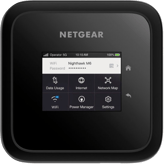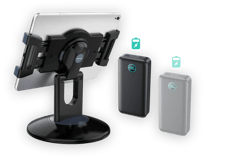

Need hardware? Get your requests in as soon as possible.
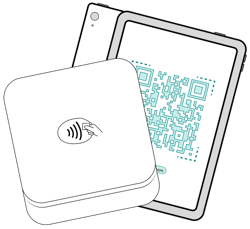
- Ensure all hardware rentals are submitted at least 30 days before your event.
- Ensure your payment method is set up.
- All rented hardware must be returned within 10 days after your event has ended!
Set up team permissions and accounts

Evee Tip: Set up your hardware in advance!
Once you've rented your hardware, to ensure each of your team members has an Eventeny account set up, use
username: email+1@email.com, instead of creating new emails for each team member.
Need support with adding team members and permissions? Read the help article.
Create your tickets and products

Double-check you've created and published all tickets and products to sell onsite.
Need support with creating tickets and products? Read the help article.