Get started with onsite product sales.
This course is designed for anyone selling products, from merch to food and drinks onsite.

Complete your hardware training pre-requisite.
Here's a quick recap of everything you need to know.
Hardware
Terminals, iPads, and Hotspots are easy to connect with the Eventeny mobile app downloaded on your tablet, or phone! Use password 654321 to unlock the iPad, and Hotspot Network EventenyEvents, with the password AwesomeEvents to connect to the Hotspot. For Stripe Readers, setup can be found under the More section on the mobile app.
For all hardware, ensure you get your requests in at least 30 days before your event, and handle with care.
For more information on hardware, check this out.
Product sales
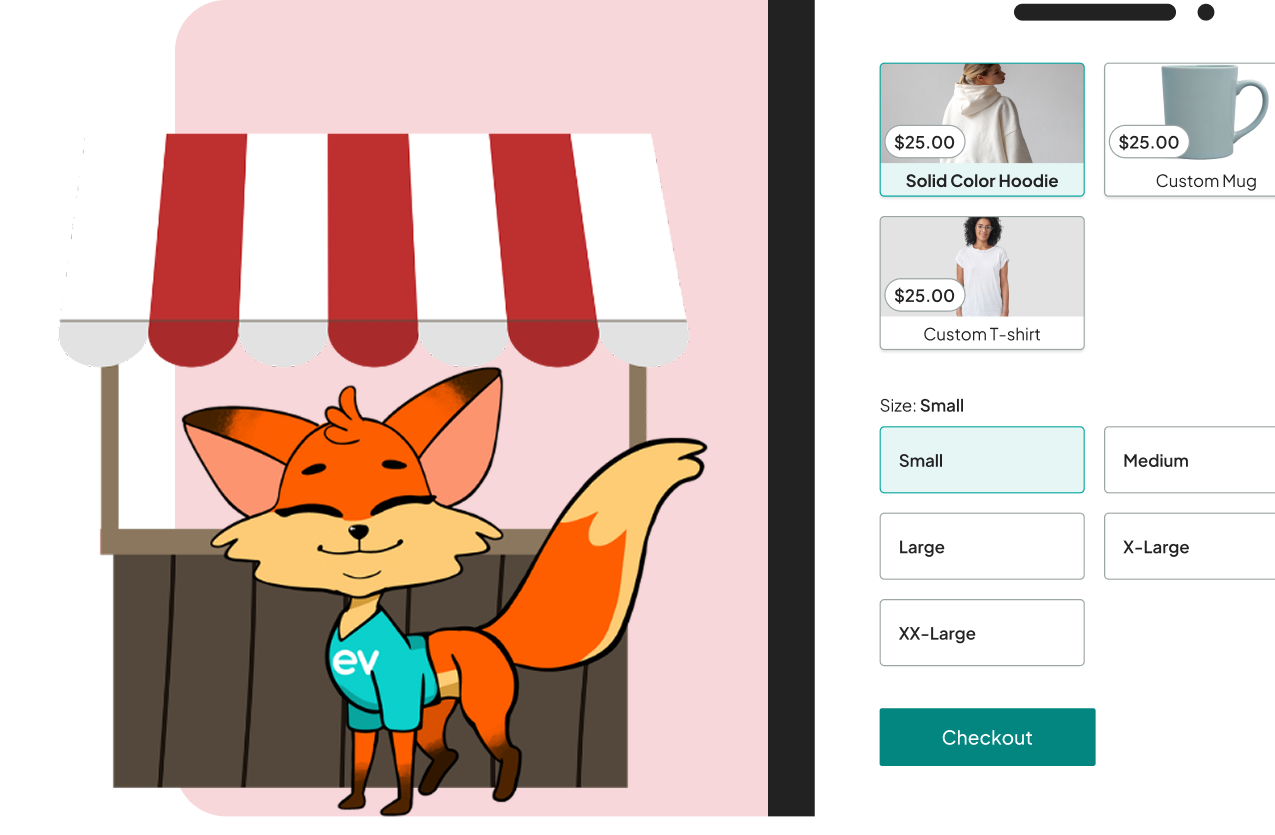
Product sales are easy and seamless for onsite transactions, with Eventeny’s mobile app functioning as a POS system. Simply navigate to the Sell section on the app, where you can sell products by setting sizing, color, and other variation options, and check inventory. Customers have multiple payment method options, and are presented with flexible gratuity options, all increasing your event revenue.