Get started with using kiosk mode.
This course is designed for your onsite teams, enabling your attendees to purchase their own tickets directly from the mobile app with kiosks.

Complete your hardware training pre-requisite.
Here's a recap of what you should know.
Hardware
Ticket scanning and check-in are fast and easy with the Eventeny mobile app. Use password 654321 to unlock the iPad, and Hotspot Network EventenyEvents, with the password AwesomeEvents to connect to the Hotspot.
For all hardware, ensure you get your requests in at least 30 days before your event, and handle with care. For more information on hardware, check this out.
Kiosk mode
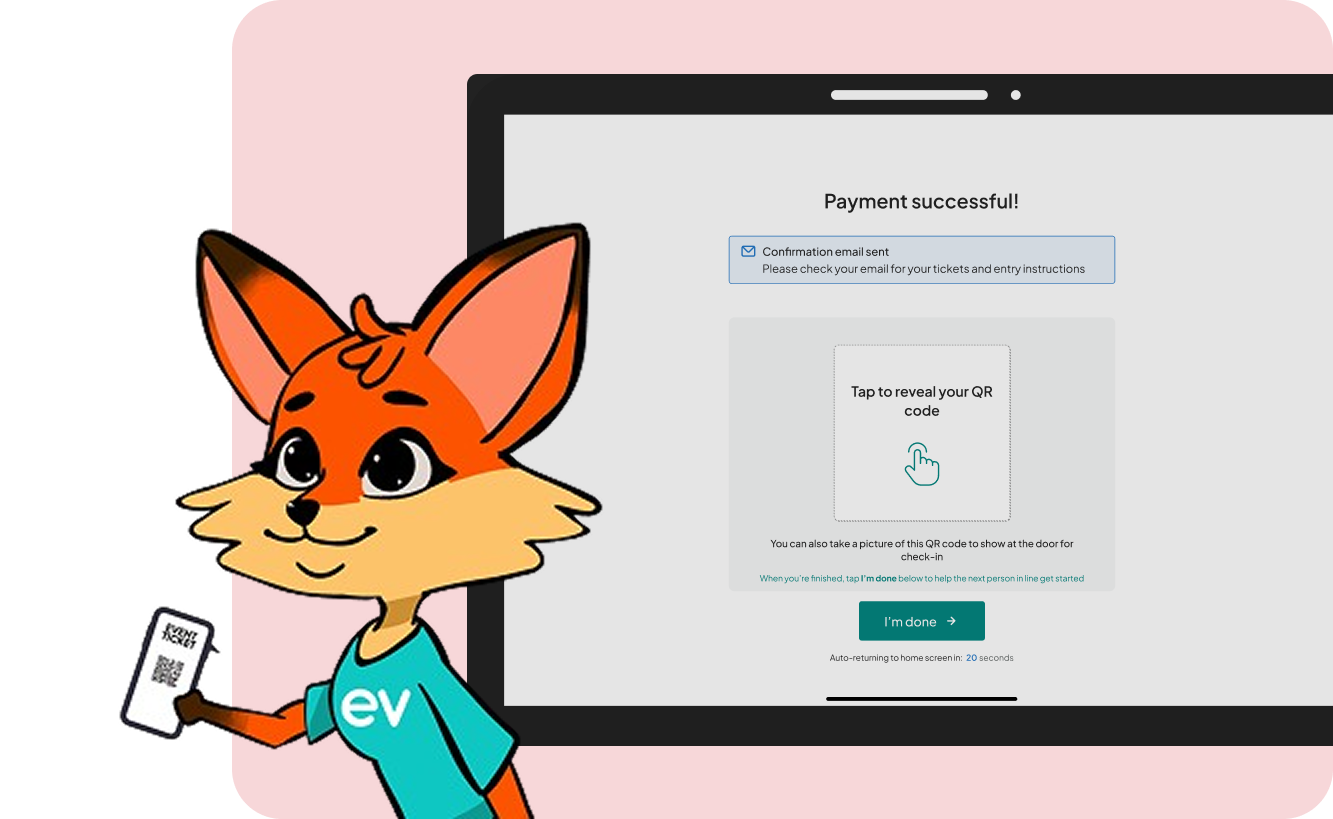
Setting up Kiosk Mode enables your attendees to purchase their own tickets - freeing up your onsite staff. Simply navigate to More on the mobile app, select Kiosk mode, set a 4-digit pin, and your attendees can begin purchasing tickets.
They will also receive email confirmation, and QR codes upon purchase. To exit Kiosk mode, simply enter your pin - if you forgot your pin, you must log out of the app.